General
| Section Name | Description |
|---|---|
| Overview | Update the agent name (agent type and AI model fields are non-editable) |
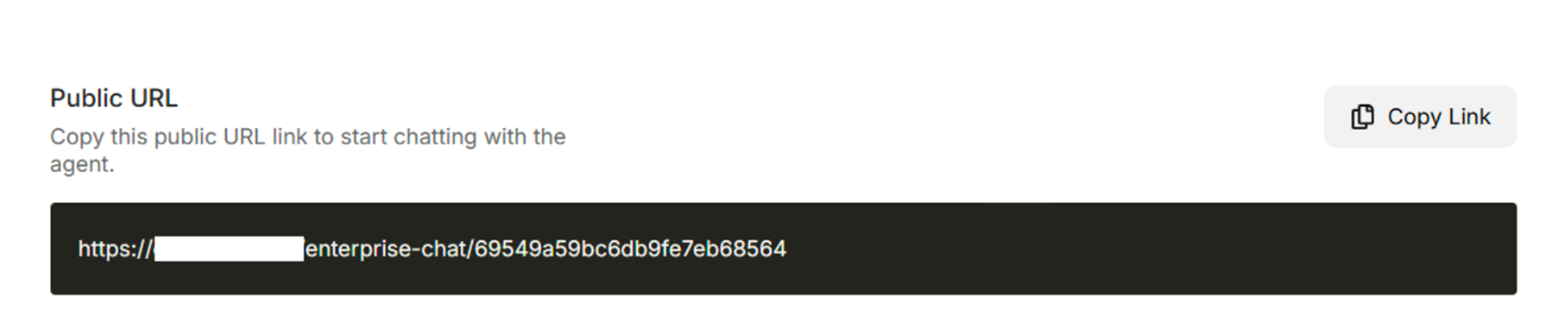
| Agent Model and Access | Update Public URL access and response temperature |
| Message and Conversation | Add initial message, predefined messages, default language, and predefined voice for audio responses |
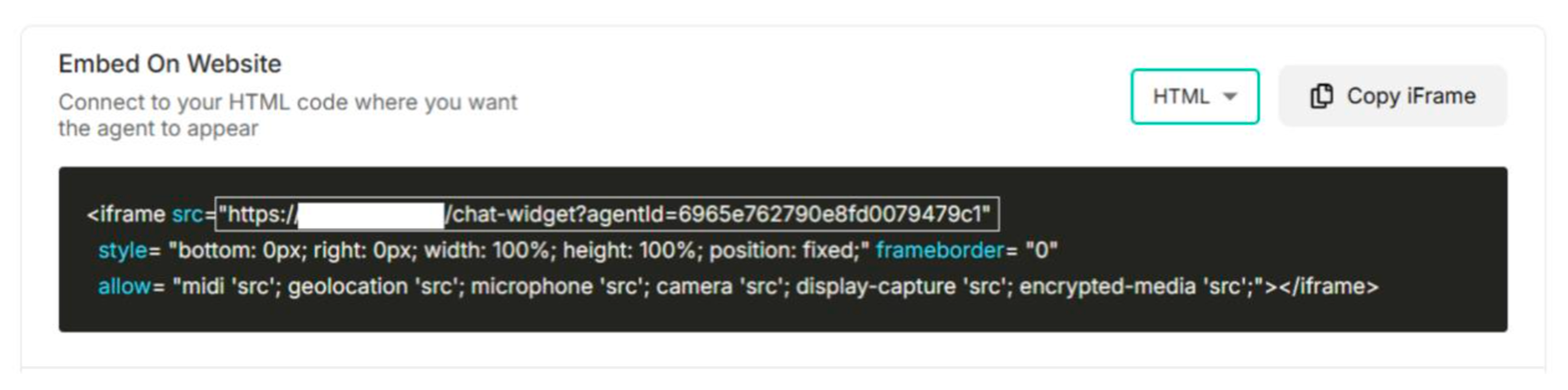
| Connect | Choose either HTML or JSX code based on preferences |
| Danger Zone | Delete the entire created agent |
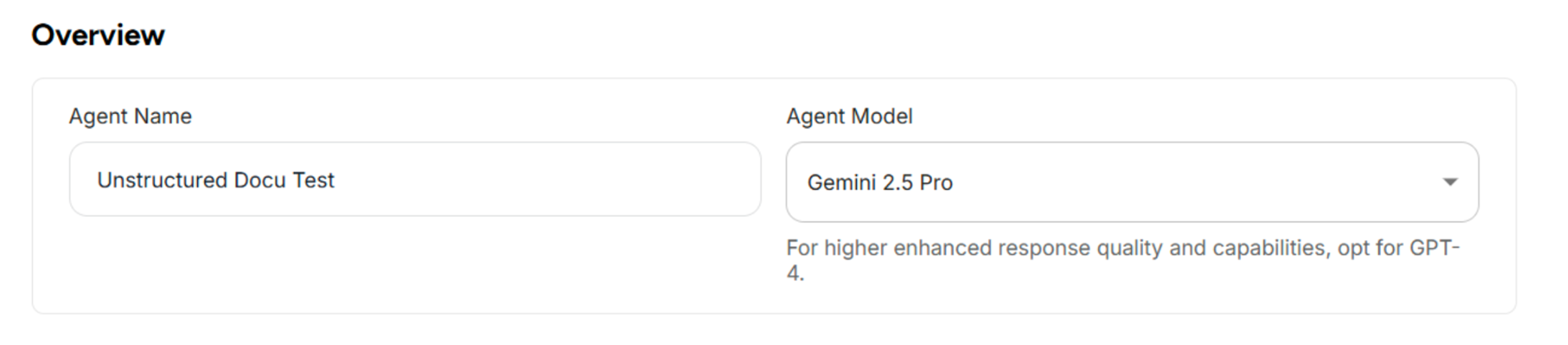
Overview
| Fields | Description |
|---|---|
| Agent Name | Update the agent's name (maximum 30 characters) |
| Agent Model | Display the selected model (not editable) |
Table: Fields in the Overview Section of General Settings
Agent Model & Access
| Fields | Description |
|---|---|
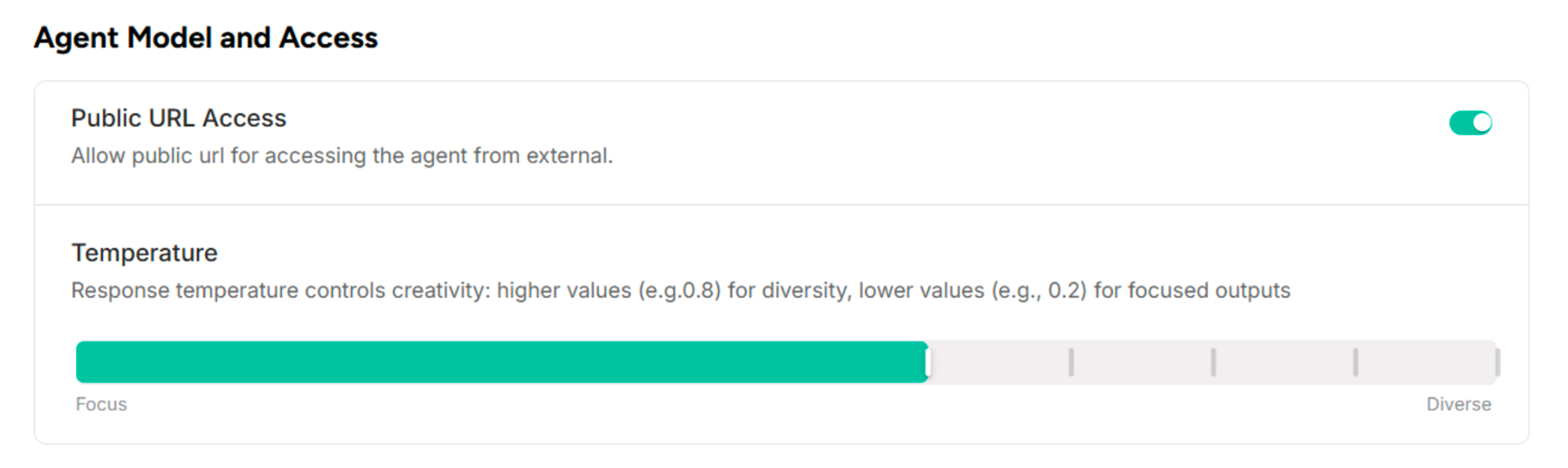
| Public URL Access | Allow users to enable public URL access for external agent access |
| Temperature | Adjust how the agent responds to queries. Default Value: 0.6. For more creativity: Increase the value up to diverse (1). For less creativity: Decrease the value down to focused (0) |
Message & Conversation
| Fields | Description |
|---|---|
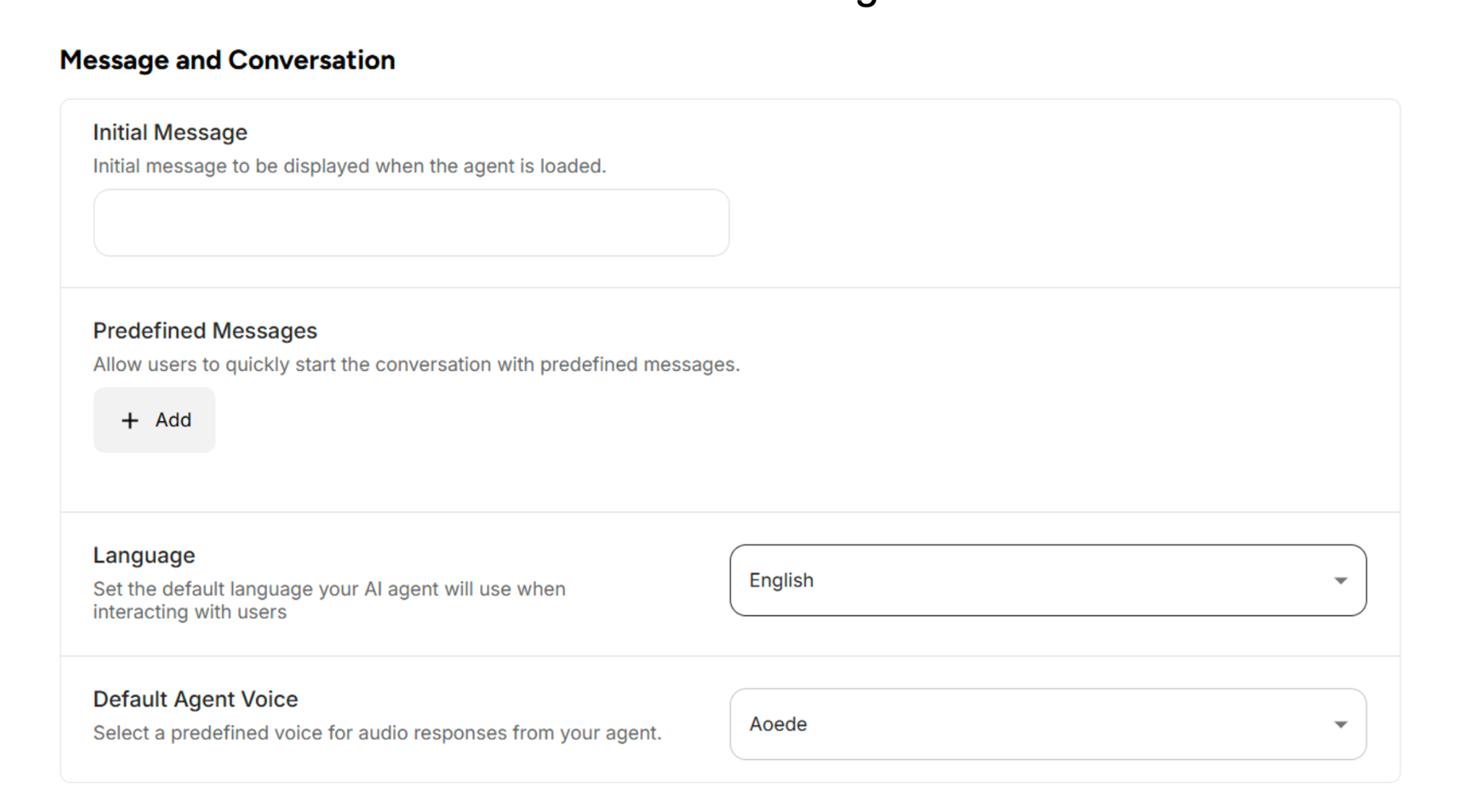
| Initial Message | Enter the welcome message that displays at the beginning of the agent session |
| Predefined Messages | Add questions that display at the beginning of the conversation to allow users to quickly start with predefined messages |
| Language | Set the default language for user interactions |
| Default Agent Voice | Select a predefined voice for audio responses from your agent |
Connect
| Options | Description |
|---|---|
| SCRIPT | SCRIPT SRC code to embed on the website |
| HTML | HTML code to embed on the website |
| JSX | JSX code to embed on the website |
Table: Options to Embed on Websites in General Settings
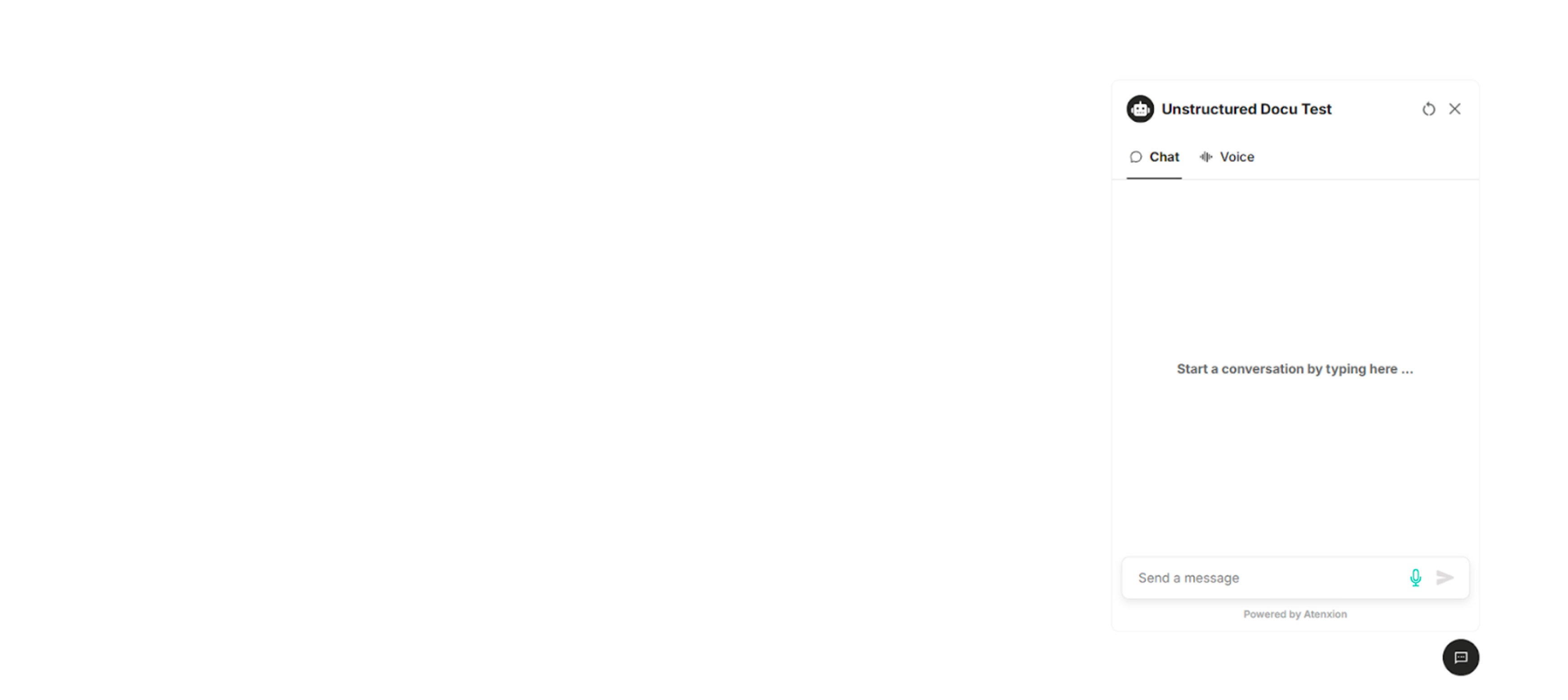
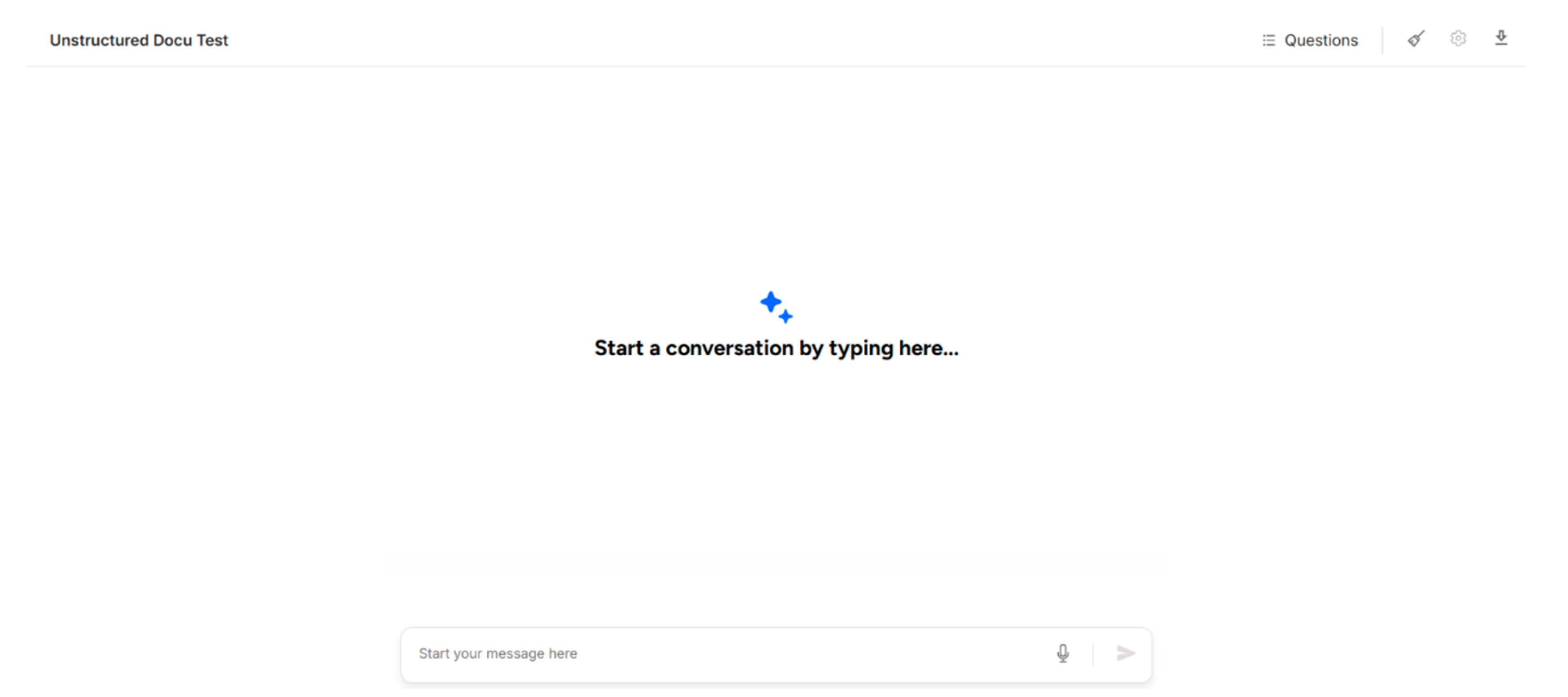
Enterprise Chat Panel
Enable public URL access for external agent access.
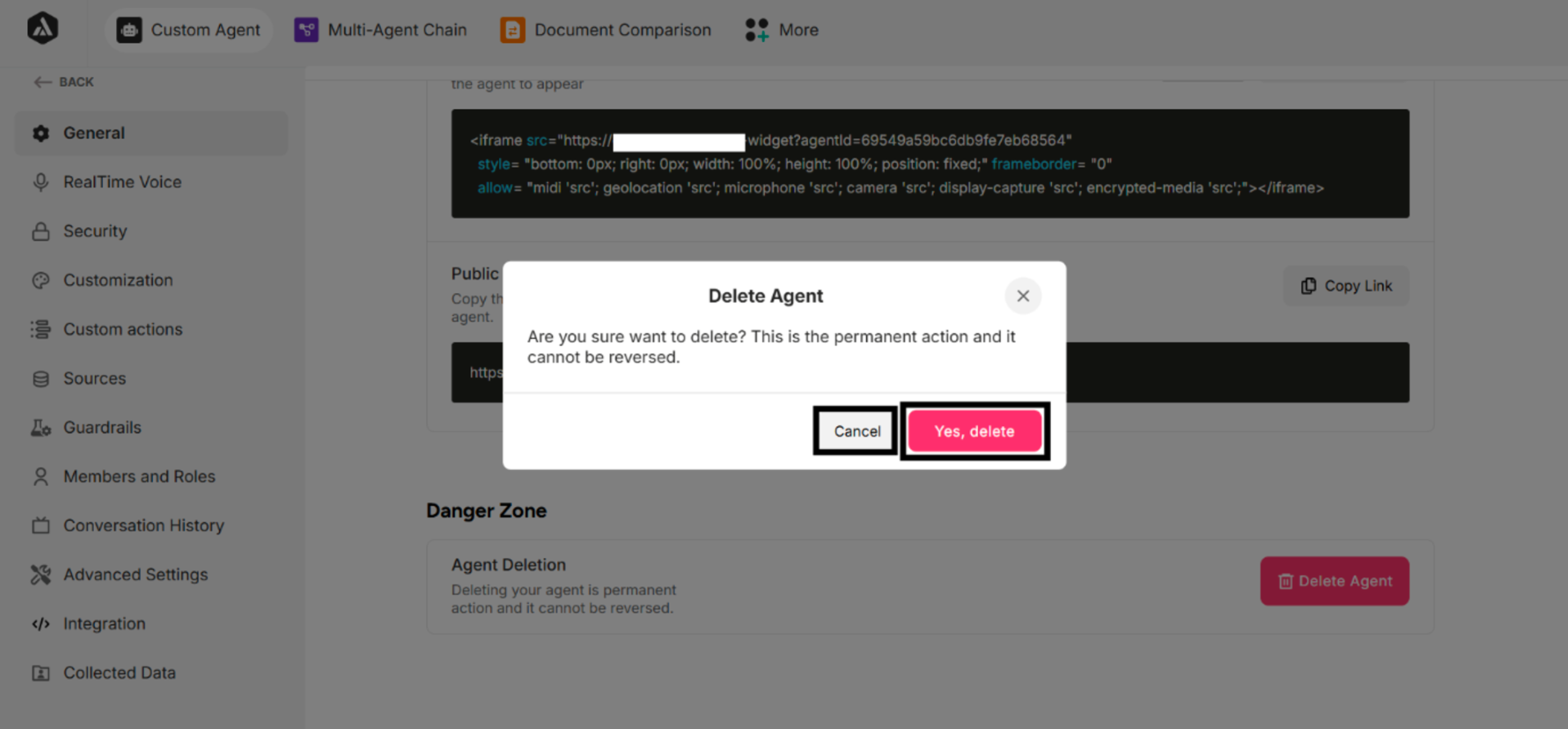
Delete Agent

| Buttons | Description |
|---|---|
| Cancel | Cancel the agent deletion |
| Yes, delete | Delete the agent. The system displays a success message and removes the agent from the created agents list |